

Electronic archive: every document ends up in one place
Everything created and processed in d8n moves to the electronic archive automatically. Your existing paper archive can be digitised and searched in the same place.
About this module
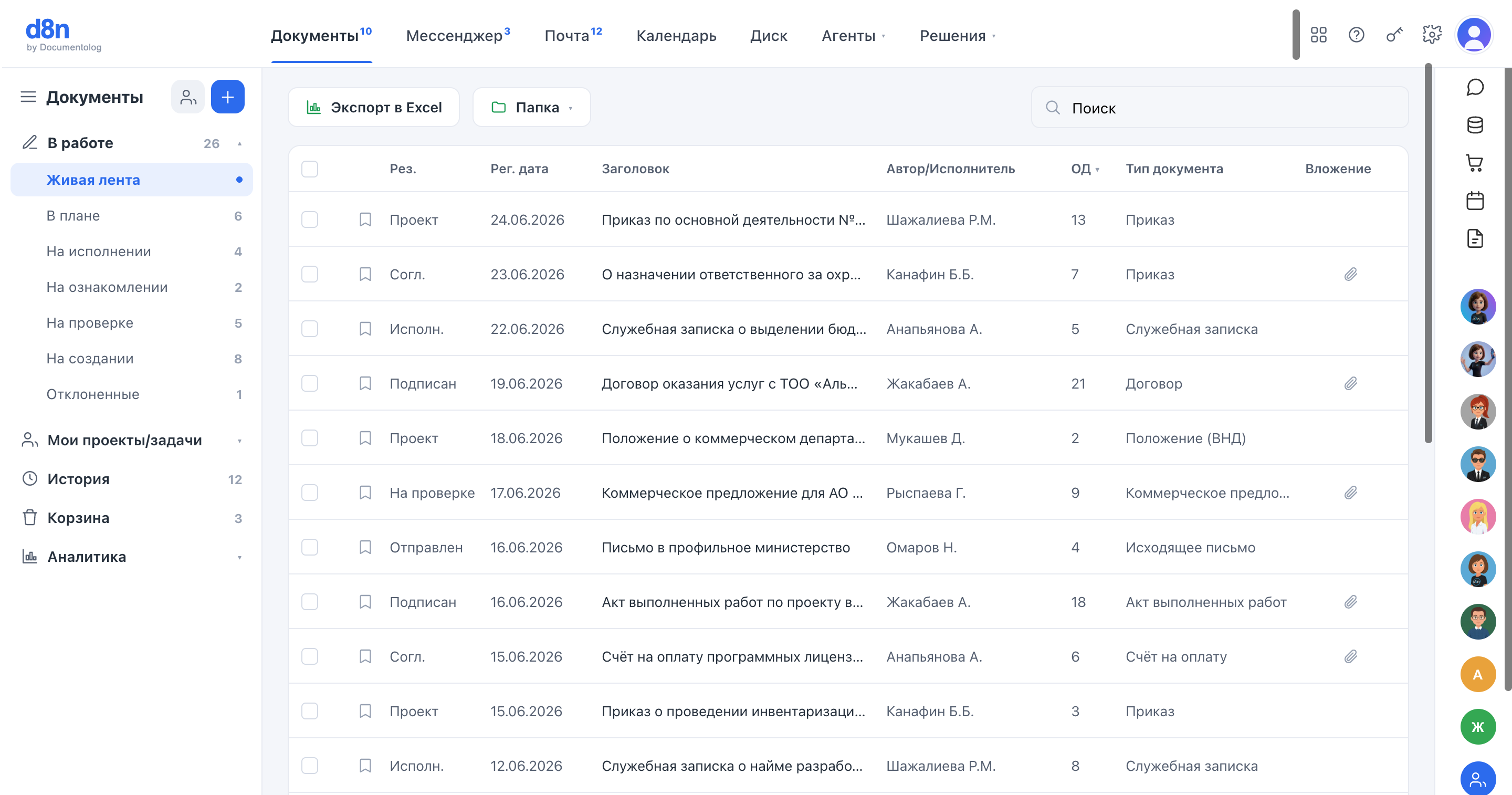
The archive is not a separate system you need to fill in by hand. When a document completes its route — approved, signed, sent or received — a built-in process moves it to the electronic archive together with its card, signatures, versions and full history.
Paper does not have to stay in boxes. Existing paper documents can be digitised: each scan gets a card with its details, the text is recognised, and the document can be found by search just like one born in the system.
Where it slows you down
The archive lives in boxes
Old contracts and orders are stored on paper, and finding one takes days.
Electronic documents are scattered
Signed files sit in mail, on drives and in chats — with no single record of what is final.
Archiving is manual work
Someone has to collect, file and register documents after the work is already done.
What you can do
Two ways into one archive: automatically from the system, and from paper through digitisation.
Automatic transfer
Documents that finish their route move to the archive by a built-in process — nobody files them by hand.
Card, signatures, history
The archived document keeps its details, signatures, versions and the full audit trail.
Digitisation of paper
Scan existing paper documents and upload them: each gets a card and becomes part of the archive.
Text recognition
Scans are recognised, so their content can be searched, not just their titles.
Search by meaning
Find any document across the whole history by what it says.
Access by rights
People see only the archive documents their role allows.
How it works
Work in the system
A document is created, approved, signed or received in d8n.
Automatic archiving
When its route is complete, the document moves to the archive with its card and history.
Digitising paper
Old paper documents are scanned and uploaded; the text is recognised.
Search
Any document — born digital or scanned — is found by search in one place.
AI agent: The Registry agent recognises and registers incoming documents and scans and finds archive documents on request — within the rights of the person asking.
FAQ
Do we need to archive documents by hand?
No. Documents that complete their route in d8n move to the electronic archive automatically.
What about our paper archive?
It can be digitised: scans are uploaded, get a card with details and become searchable by text.
Are signatures and history preserved?
Yes. The archived document keeps its signatures, versions and the full history of actions.
Who can see the archive?
Access follows roles and rights — the same as for working documents.



 Danone
 StadlerSGS

 Kazakhstan Railways (KTZ)
 KazMunayGas
Put the whole archive in one place
We will show automatic archiving and digitisation on your documents.